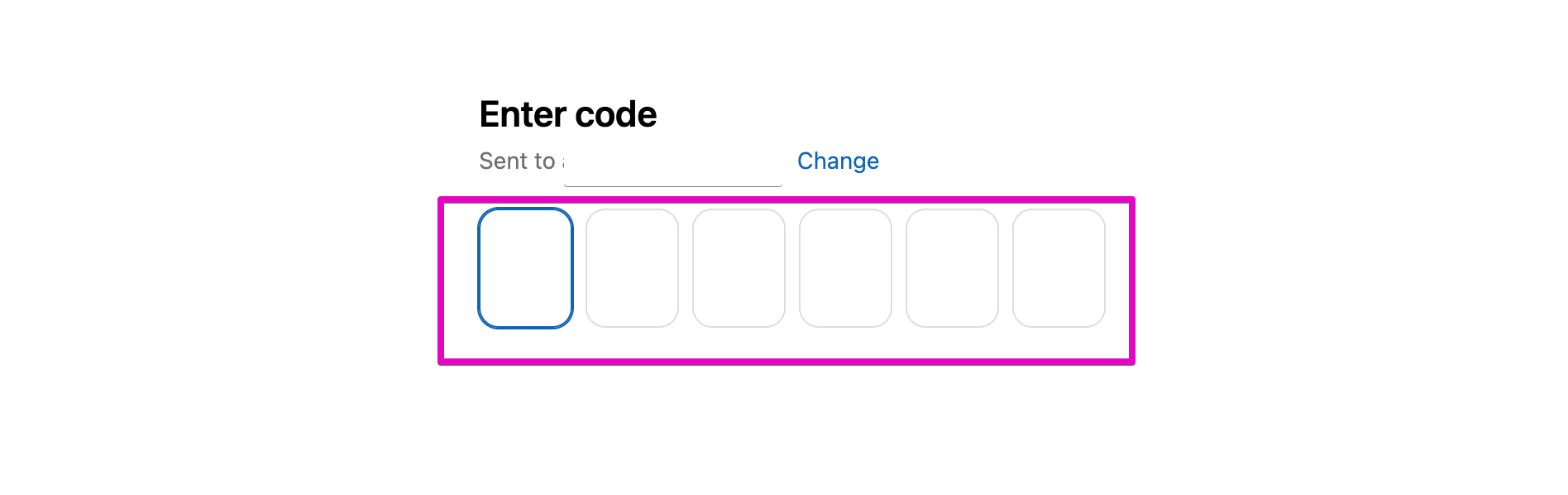
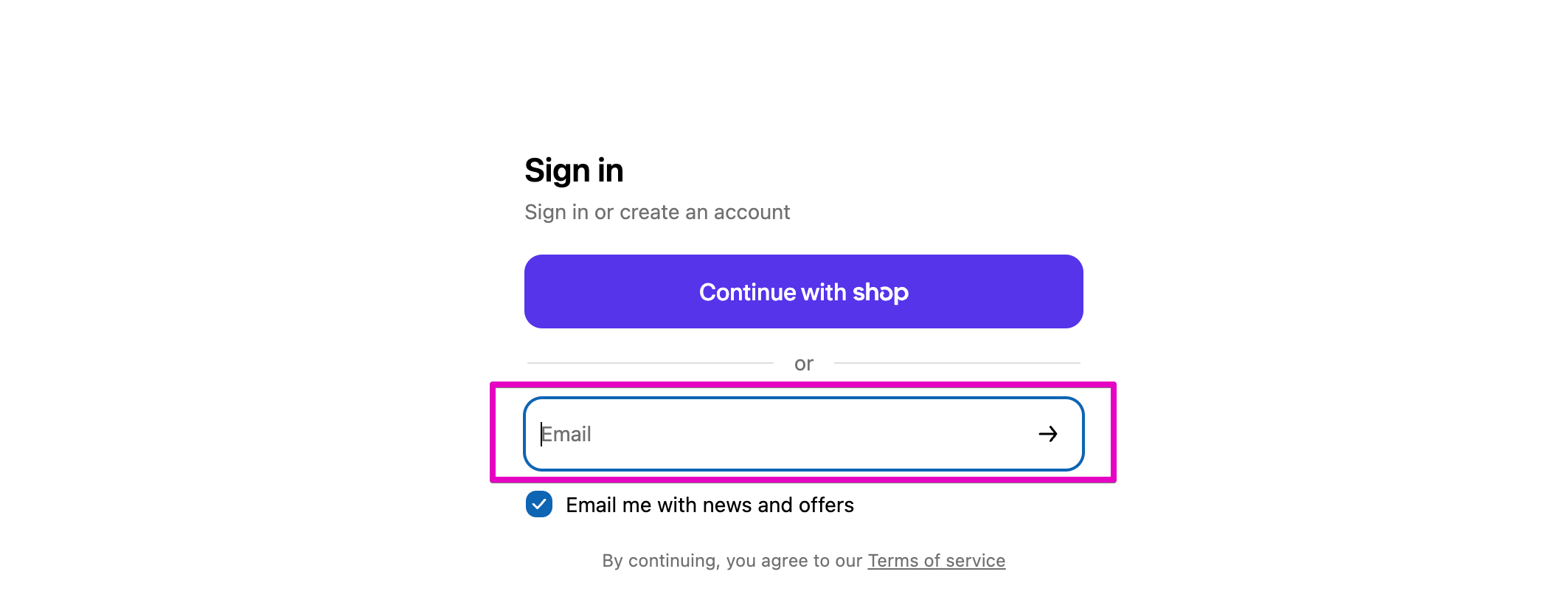
How do I create an account?Updated 3 months agoCreating an account makes it easier to track your orders and manage subscriptions. Go to Qunol.com and click the person icon on the top right, or click here. Type in the email you would like to use for your account.Check your email. You will be sent a 6 digit code to log into your account.Your account is now set up. From your account dashboard, you can:Review past ordersManage subscriptionsUpdate subscription addressesUpdate subscription payment information Was this article helpful? YesNo


 .
.