
How do I pause, skip, or cancel a subscription?Updated 3 months ago
We know life gets busy, so we’ve made it easy to manage your Qunol subscription on your terms. Whether you need to pause, skip, or cancel, you have the flexibility to adjust your deliveries whenever you need.
- Log into your Qunol account here. Log in with your email.
- From your dashboard, goto the subscriptions menu item.
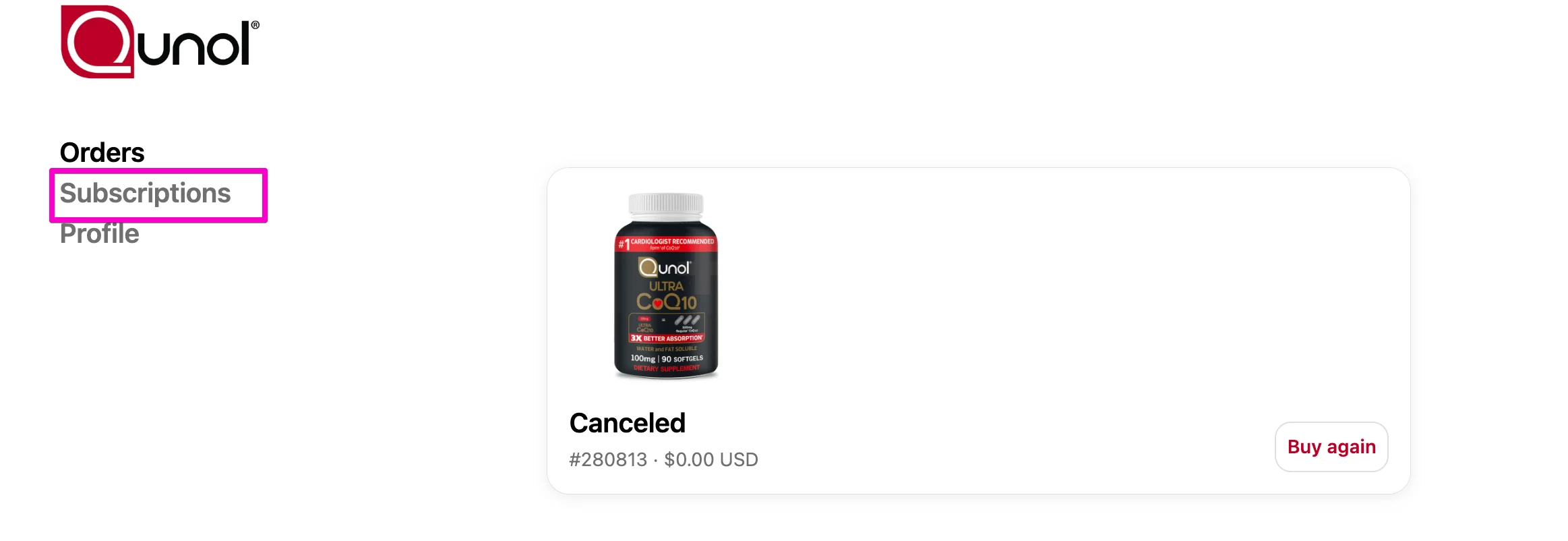
Select Subscriptions.

To Pause or Skip a Subscription
At the top of the page, you’ll see options to Reschedule or Skip your subscription:
Click Reschedule to delay your subscription to a later date.
Click Skip to skip the upcoming order.

To Cancel a Subscription
Navigate to the Manage Subscriptions section.

Select the subscription you want to cancel.

Click Cancel Subscription.
