
How do I manage my subscription payment methods?Updated 3 months ago
- Log into your Qunol account here. Log in with your email.
- From your dashboard, goto the subscriptions menu item.
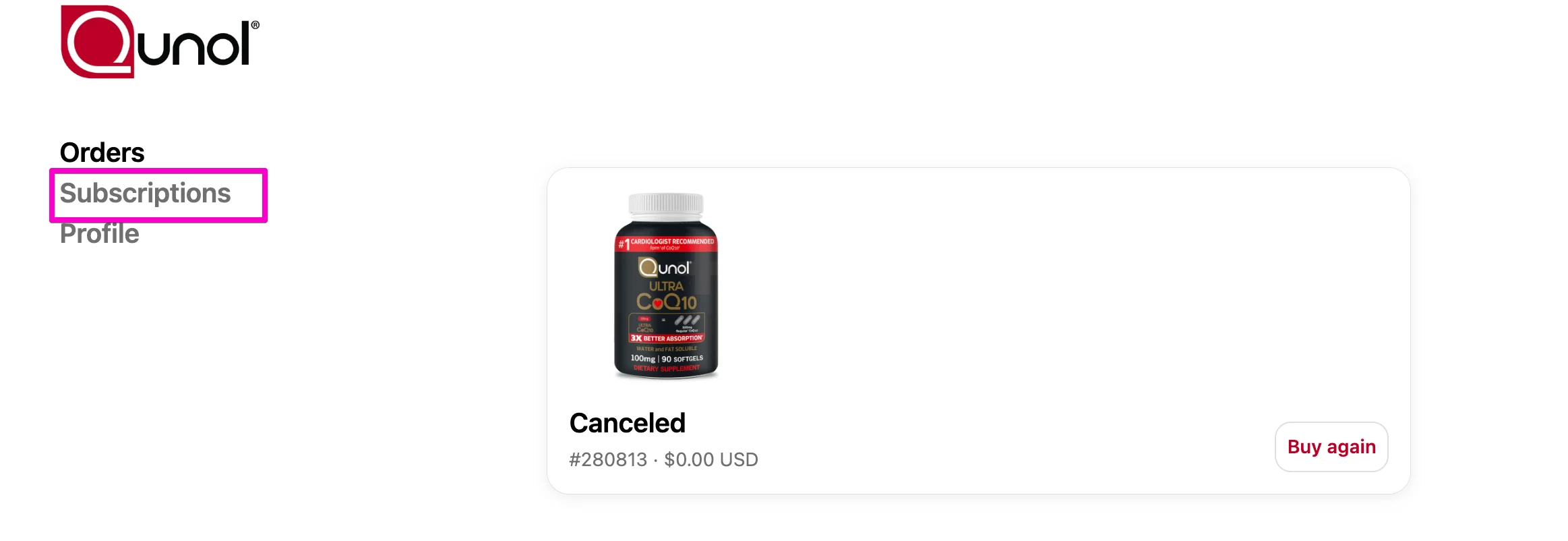
Select Subscriptions.

Select Address & payment details. Then, click manage payments.

This is where you can:
Add a new payment method
Edit a current payment method
Remove your payment method
