
How do I update my subscription address?Updated 3 months ago
- Log into your Qunol account here. Log in with your email.
- From your dashboard, goto the subscriptions menu item.
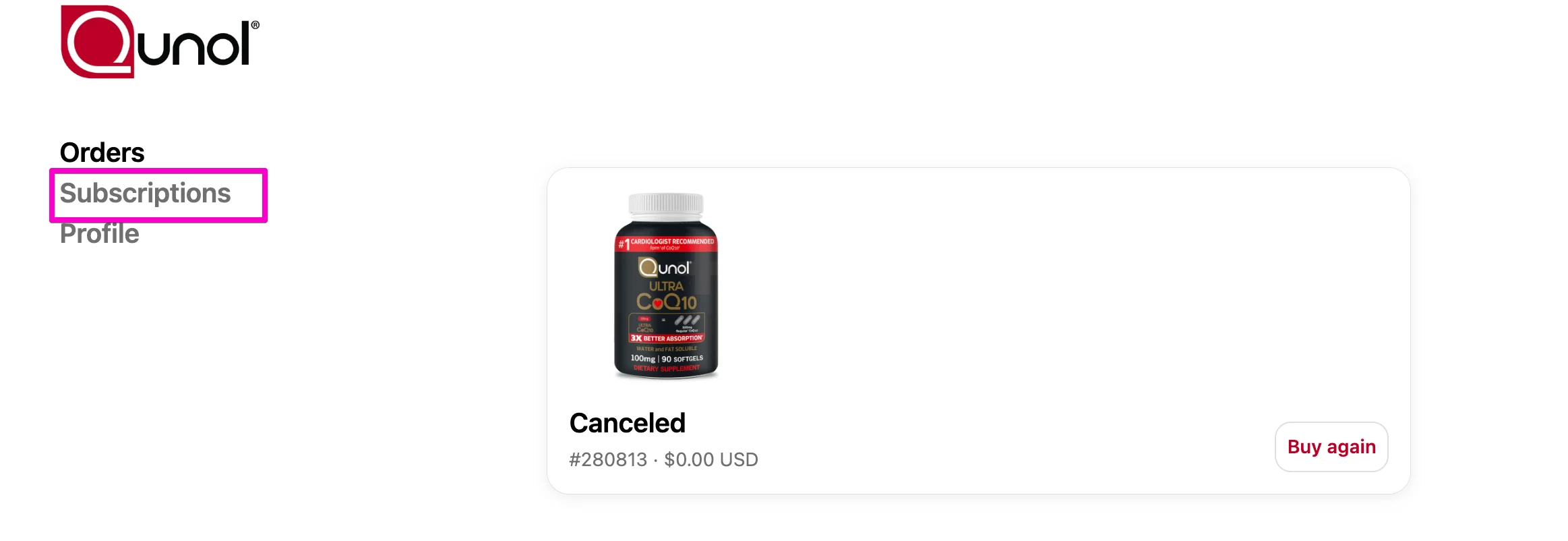
Select Subscriptions.

4. To edit the address on an upcoming subscription, click edit address.

5. Enter your new address and click save changes.
👉 Important: Updating your account address will only update subscriptions linked to that address. If you would like to have multiple subscriptions that ship to different addresses, you’ll need to update each one separately. To do so, see this help article.