
Can I send subscriptions to different addresses?Updated 3 months ago
Yes! Qunol gives you the flexibility to ship your subscriptions wherever you need. You can manage multiple addresses right from your account.
- Log into your Qunol account here. Log in with your email.
- From your dashboard, goto the subscriptions menu item.
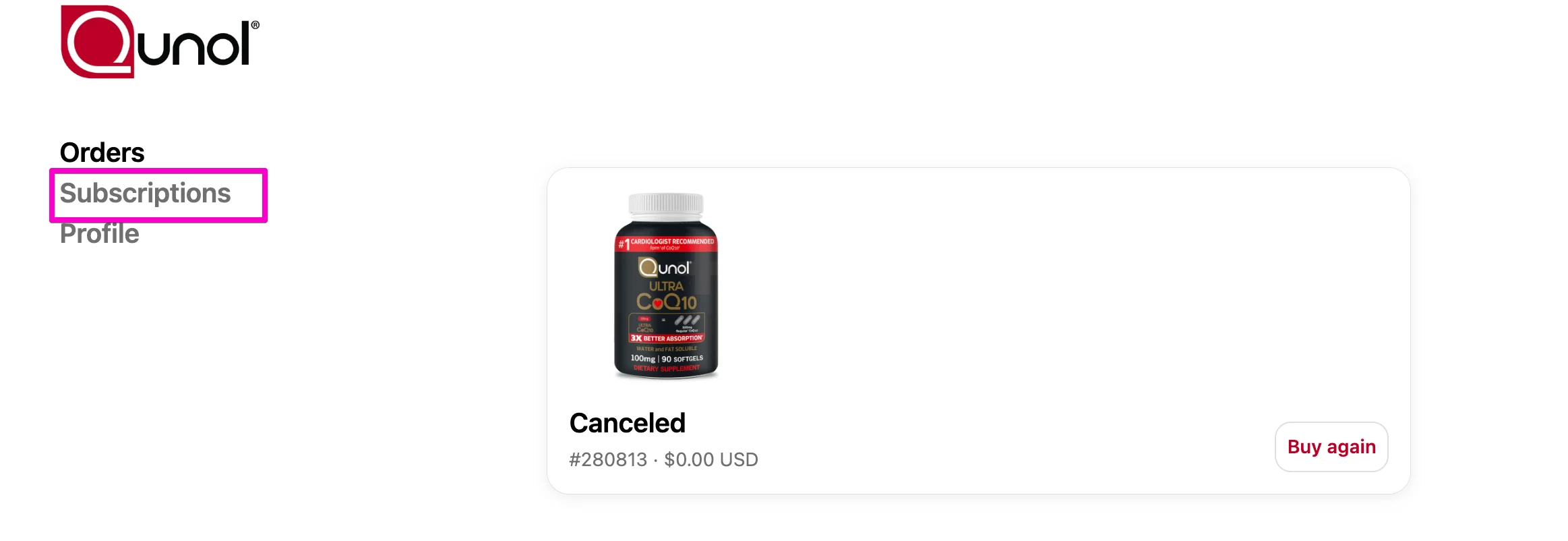
3. Select Subscriptions.
4. Click address & payment details, then select manage addresses.
5. Select Add a New Address and enter your details.
6. You’ll then see two options:
Use this address for all my products: updates the address for every active subscription.
Keep products with different addresses separate: only applies the new address to the products you choose.

This way, you can ship some subscriptions to your home and others to a family member, friend, or even your office.
👉 Important: Updating an address only affects future orders. If you already have an order that’s processing, it will ship to the original address.