
How do I change the frequency of my subscription?Updated 3 months ago
- Log into your Qunol account here. Log in with your email.
- From your dashboard, goto the subscriptions menu item.
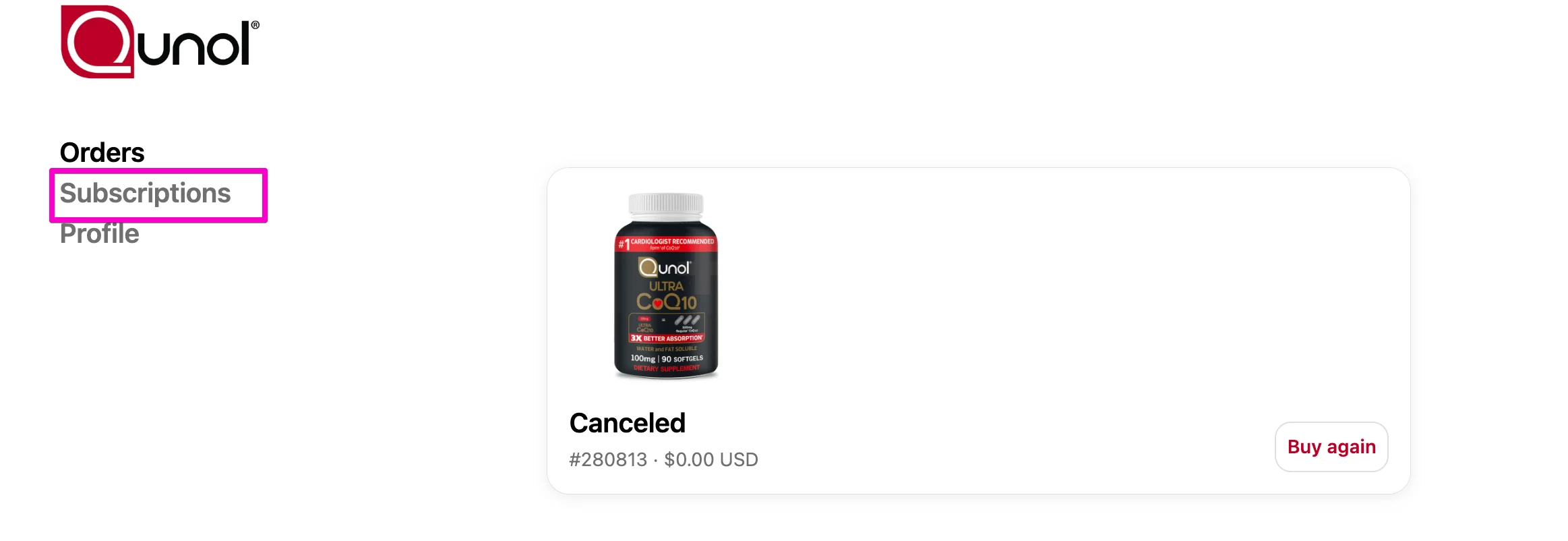
Select Subscriptions.

- Select the subscription you want to manage.

- Under “You Get,”you can update:
- Size: choose the product size that works best for you
- Quantity: adjust how many you’d like delivered each time
- Frequency: set how often you receive it (every 45, 60, or 90 days)
- When you're done, click save changes to update your subscription.
