
How do I change my current subscription to a different product?Updated 3 months ago
- Log into your Qunol account here. Log in with your email.
- From your dashboard, goto the subscriptions menu item.
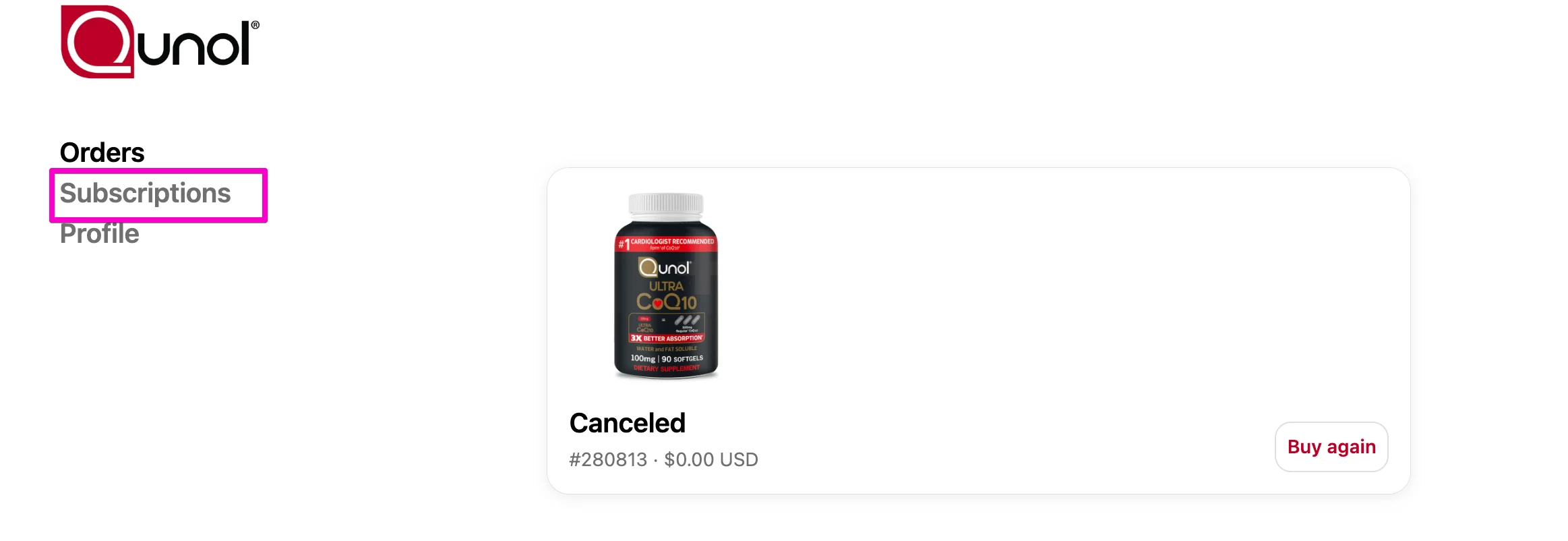
Select Subscriptions.

Select the subscription you want to manage.

- Click “Swap this for a different product”

- Use the search bar to find the product you’d like to switch to. Click the swap button

- Confirm your selection by choosing the size, quantity, and delivery frequency. Click swap product to save your changes.
